

Google has recently patched a severe zero-day flaw in its Chrome browser, designated as CVE-2024-7965. This critical issue affects Chrome versions before 128.0.6613.84 and has been actively exploited, making it imperative for users to update their browsers without delay.
CVE-2024-7965 involves a vulnerability within the V8 JavaScript engine utilized by Chrome. The problem stems from an improper implementation that allows remote attackers to exploit heap corruption through specially crafted HTML content. The flaw has a CVSS score of 8.8, highlighting its significant potential impact on system confidentiality and integrity.
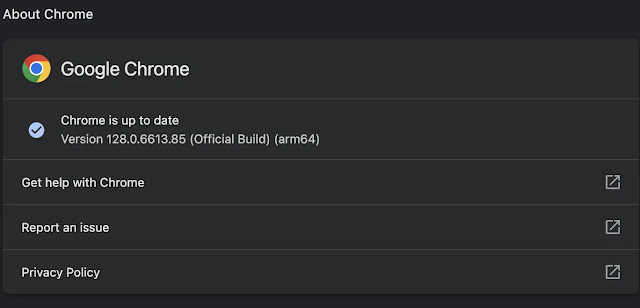
Discovered by the security researcher “TheDog” on July 30, 2024, this vulnerability has been addressed in the latest Chrome release, version 128.0.6613.84 for Linux, and versions 128.0.6613.84/.85 for Windows and Mac. Google has confirmed that this vulnerability is being actively targeted and stresses the urgency for users to apply the update to protect against potential threats.
This patch follows Google’s previous announcement about another high-severity zero-day vulnerability, CVE-2024-7971, related to a V8 type confusion issue.
Exploitation of CVE-2024-7965 requires user interaction, such as visiting a malicious webpage, which can lead to unauthorized access or the execution of malicious code. Both individuals and organizations should prioritize this update to prevent potential data breaches and protect sensitive information.
The latest Chrome update also addresses a series of other security issues, including 38 total fixes. Several high-severity vulnerabilities, reported by external researchers, underline ongoing efforts to secure the browser against new threats.
Google’s prompt response to this zero-day vulnerability highlights the importance of keeping software current to defend against cyber risks.
Users are encouraged to either enable automatic updates or manually check for updates by accessing the Chrome menu, selecting “Help,” and then “About Google Chrome” to ensure they are using the latest version.


